Install
Install the standalone app or use Pixi directly
Use the standalone macOS/Linux installer, the native Windows installer, or the developer Pixi workflow when you want a normal source checkout.
Read the install guideLocal-first genomics toolkit
WGS Extract CLI is a modern, scriptable command-line recreation of WGS Extract. It wraps common bioinformatics tools so you can inspect BAM/CRAM files, build consumer microarray files, call variants, extract Y/MT reads, manage references, and automate repeatable genome work.
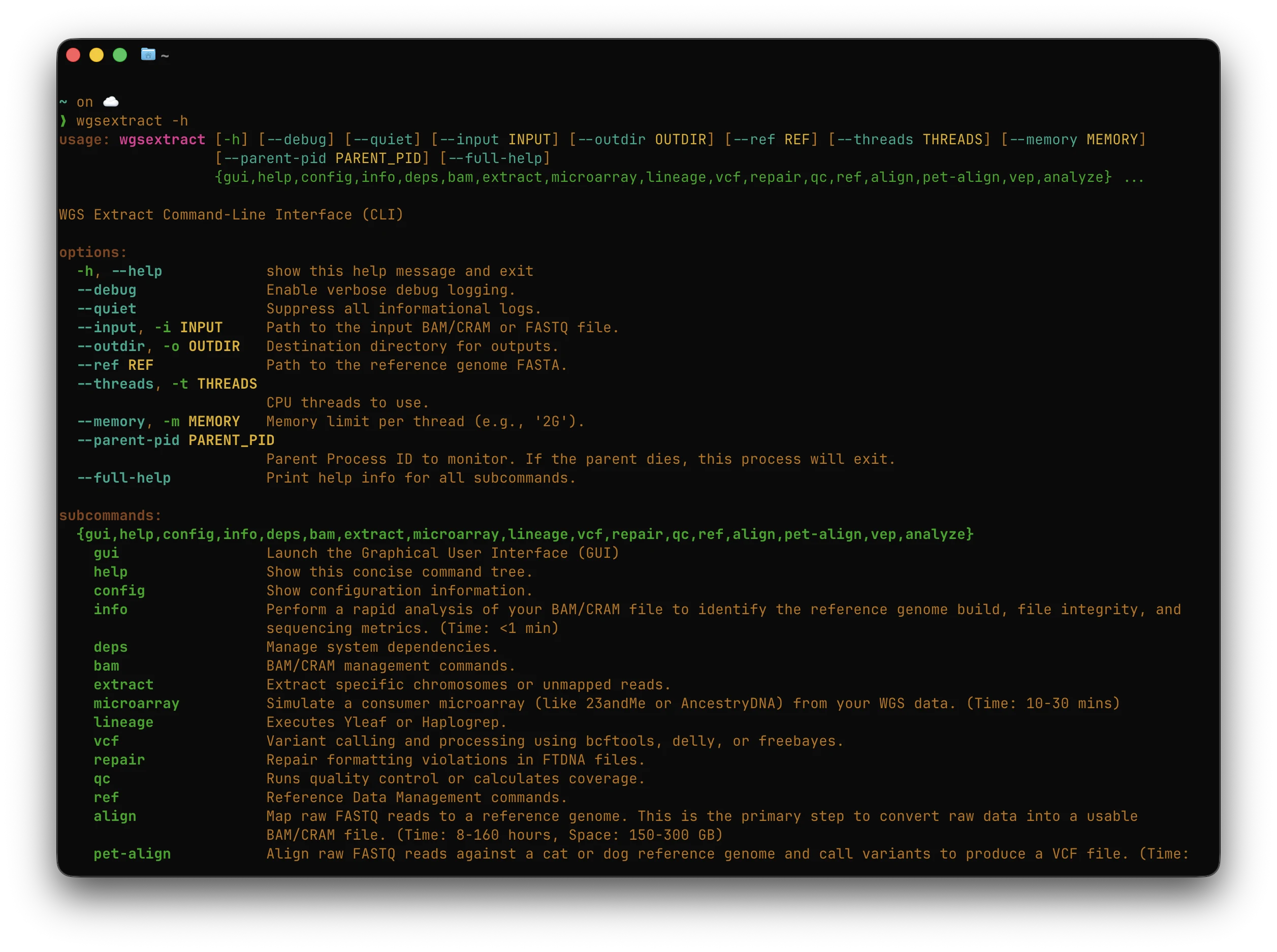
Use the pages below as a map for installing the tool, understanding WGS file types, and running common genome workflows safely.
Use the standalone macOS/Linux installer, the native Windows installer, or the developer Pixi workflow when you want a normal source checkout.
Read the install guideLearn the major command families for info, BAM/CRAM, extraction, VCF calling, annotation, lineage, alignment, FASTQ QC, references, and fake data.
Open the CLI guideFollow recipes for microarray simulation, Y-DNA and mtDNA extraction, variant calling, FASTQ to BAM, storage conversion, and testing.
Pick a workflowGet a friendly explanation of whole genome sequencing, coverage, references, variants, file types, read technologies, and interpretation limits.
Read the WGS guideLook up common terms, file extensions, external tools, privacy considerations, and troubleshooting tips for long-running genome jobs.
Open the reference